
How to submit an event to Eventbrite for fashion audiences: clear steps
A practical, fashion-focused guide to submitting an event to Eventbrite, with Birkenhead context and tips for stylish, organized listings.

This guide answers how to submit an event to Eventbrite with a focus for fashion readers. You’ll learn the exact steps, what details matter most, and how to present an event so style-minded attendees notice it. The goal is to make the submission process feel straightforward and useful for wardrobe launches, pop-up shows, or styling workshops.
First, gather key details: event name, date, location, tickets, and a concise description that fits fashion audiences. Next, choose a category and tags that align with fashion or beauty, so the listing appears in relevant searches. Finally, review requirements for images and cover visuals, ensuring they reflect the event’s tone and style.
A practical mindset helps you avoid common snags: keep the title precise, upload high-quality images, and confirm timings across time zones. This article presents a step-by-step flow, plus optional options and pitfalls tailored to fashion events and Birkenhead readers.
- You can submit an event to Eventbrite by gathering core details, choosing the right category, and uploading strong visuals. Build a clear, concise description tailored to fashion readers and Birkenhead audiences.
- Use tiered tickets and a realistic capacity to manage turnout, plus a solid refund policy and accessibility notes.
- Avoid missing fields, vague language, and misaligned imagery to keep your listing professional and appealing for style-focused attendees.
- Always test the checkout, verify details with collaborators, and monitor feedback after launch.
Basics of listing an event
What you need ready
Start by naming the event clearly and choosing a date. Have the venue address, host contact, and ticket types ready to input. Prepare 1-2 lines that describe the event’s style and purpose for quick reads. submit an event in Birkenhead
- ☐ Define event title and date
- ☐ Collect venue and host details
- ☐ Prepare ticket types and prices
- ☐ Craft a concise, stylish description
This first draft should be snappy for mobile users who skim listings. The goal is a clean summary that invites clicks without ambiguity. Prepare visuals that match the tone of the event, whether runway-inspired or intimate workshop.
- Event title and date
- Venue address and host contact
- Ticket options and price ranges
- Brief event description
- High-quality cover image
Choosing the right category
Event categories help your listing appear alongside similar experiences. Pick the closest fit to your event’s core activity, whether a show, workshop, or networking moment. This improves discoverability among users browsing by主题 or mood.
A careful category choice reduces misinterpretation. If your event blends fashion and beauty, select the option that captures that mix without overreaching. Consistency in categorization across platforms strengthens recognition.
Visuals should reinforce the category: visuals hint at the event’s style and energy, aiding audience expectations.
- Match category to event type
- Avoid overgeneral labels
- Ensure category aligns with visuals
- Consistency across platforms
How to craft the listing details
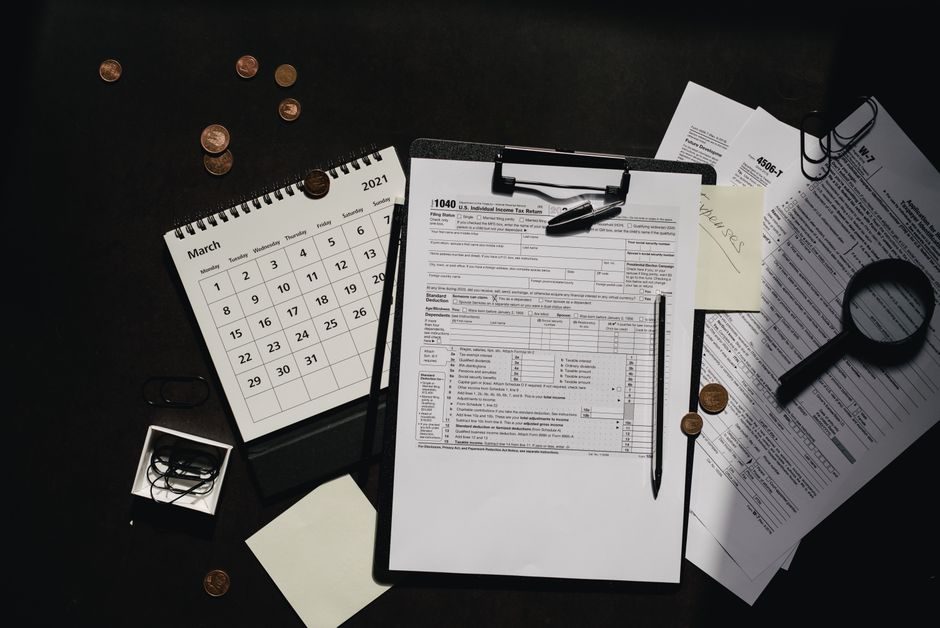
Titles that draw fashion readers
Use clear, direct language in the title. Include essential elements like the event type and the city to attract local fashion-minded audiences. Avoid vague phrasing that could hide the event’s focus. birkenheadmail.co.uk
Tailor tone to the event’s vibe—glamorous for a show, practical for a workshop, edgy for a pop-up. The title should promise a specific experience and align with the visuals you upload.
Keep it short enough for a thumbnail yet informative enough to stand alone in search results.
- Clear event type and city
- Aligned tone with visuals
- Concise, informative wording
- Avoid gimmicks
Images that elevate the listing
Upload a main image that represents the event’s style and venue. Include a secondary image that shows people engaging with the activity or a close-up detail of the fashion theme. Ensure both images are high resolution and properly cropped.
Images should reflect accessibility and energy; avoid clutter and keep focus on the event’s core appeal. If you’re describing a showroom viewing, show the setup rather than a generic fashion shot.
Add alt text that describes the scene for accessibility and search relevance.
- Main image with clear subject
- Secondary action-focused image
- High resolution and proper crop
- Accessible alt text
Options to consider
Ticketing and capacity tips
Decide on tiered tickets if the event has different experiences or seating. Set a realistic capacity based on venue size and expected turnout. Offer early-bird pricing to incentivize quick decisions and manage flow. get your business listed in Birkenhead
Provide clear refund policies and entry instructions within the description so attendees know what to expect. This reduces last-minute confusion and replacements.
Test the checkout flow with a quick internal test to catch issues before public launch.
- Tiered tickets
- Clear capacity planning
- Early-bird pricing
- Refund policy in description
- Checkout test
| Option | What it offers | Best use case |
|---|---|---|
| Tiered tickets | Multiple experiences | Shows with workshops |
| Early-bird pricing | Encourages quick decisions | High-demand events |
| Accessible description | Clear, inclusive language | All-ages fashion events |
Include a robust event description that conveys the experience, benefits, and what attendees will take away. Mention any notable speakers, collaborations, or showcases, but stay factual and avoid hype. Keep the tone consistent with the brand and fashion sensibilities.
Use hashtags or keywords sparingly to support searches without cluttering the description. Focus on terms potential attendees would actually search for, like location, style, or activity.
Close with actionable next steps for attendees, such as what to bring or how to access the venue.
- Clear benefits and takeaways
- Avoid over-hyped language
- Relevant keywords in description
- Clear next steps
Improper image sizes can also affect how the listing appears on mobile.
Pitfalls to avoid

Common submission mistakes
Missing required fields can stall approval, so double-check every input before submitting. Incomplete location data or vague descriptions confuse potential attendees and reduce visibility. advertise a job vacancy in Birkenhead
Overloading the description with buzzwords harms readability. Maintain a clean, specific tone that accurately reflects the event. Improper image sizes can also affect how the listing appears on mobile.
- Incomplete fields
- Vague descriptions
- Poor image quality
- Inaccurate timing
Legal and accessibility notes
Ensure the event complies with local laws and venue policies. Provide accessible seating information and consider curb-to-stage readability in descriptions and images. Clear policies around refunds and ticket transfers help avoid disputes.
Always avoid misrepresenting the event or its accessibility features; honesty builds trust and reduces disappointment for fashion-focused attendees.
Review platform guidelines for prohibited content to keep the listing compliant.
- Compliance with laws
- Accessible details
- Clear refunds policy
- Adherence to guidelines
Promotion and cross-listing
Cross-promotion basics for events
Submit an event thoughtfully by outlining its fashion-forward angle and practical details like location and date. Choose a compelling title that signals style, trend or workshop value. Include high-quality imagery that reflects the event’s mood and audience. submit an obituary in Birkenhead is a phrase that should appear naturally in the right context, not forced into unrelated content.
- Lead with the fashion angle to grab attention
- Use clear dates and locations
- Showcase what attendees will experience
Craft your description to speak directly to fashion readers: what they’ll gain, who should attend, and how it fits current style conversations. Use a friendly but precise tone, and avoid jargon that screens out newcomers.
Provide practical calls to action and next steps: how to register, what to bring, and what to expect at the event. Share accessibility details and any required gear or outfits to guide attendees.
- Highlight the event’s key draw
- Mention any designer or stylist involved
- State ticketing and capacity clearly
- Note accessibility and location specifics
- Provide a simple RSVP method
Global considerations for Birkenhead readers
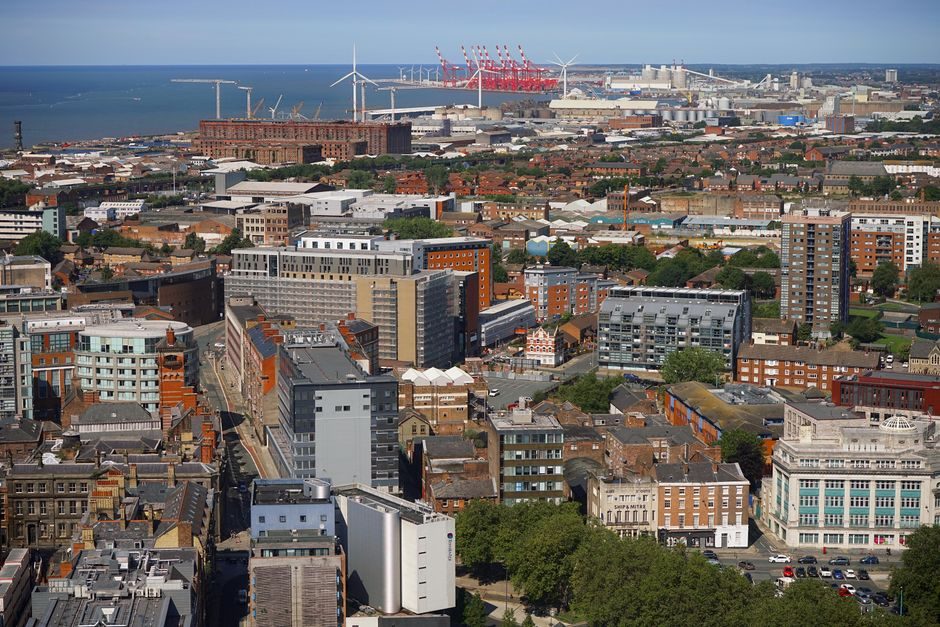
Cultural context for local audiences
Birkenhead readers bring a regional lens to events, so tailor the listing to local relevance and accessibility. Mention nearby venues, transit options, and how the event complements local fashion scenes. This context helps readers decide quickly whether it’s a fit.
- Mention nearby landmarks to orient readers
- Provide a simple map cue like nearby tram stops
- State accessibility and seating options
Describe practicalities that matter regionally, such as parking, bus routes, and any dress code expectations. Use concise bullet points to present this logistical information cleanly. Keep the tone practical, not precious.
Explain timing with respect to local calendars—community events, markets, or trade shows that might intersect with style cycles. Offer a brief note on time zones if the event uses virtual components, to prevent confusion.
- Local relevance matters
- Clear transit details
- Respect regional calendar
Alternatives to Eventbrite for fashion events
Other platforms worth tracking
Consider niche platforms or regional hubs that focus on fashion, arts, or community gatherings. They can offer targeted audiences who are already interested in styling, design, and ateliers. Evaluate the reach versus the cost and the ease of integration with your event page.
Assess the user experience of each option: how easy is it to create the listing, manage tickets, and collect attendee data? Look for mobile-friendly interfaces and clear analytics that help you optimize future events.
- Look for fashion-focused platforms
- Compare fees and features
- Check data access and export options
Final checks and launch readiness
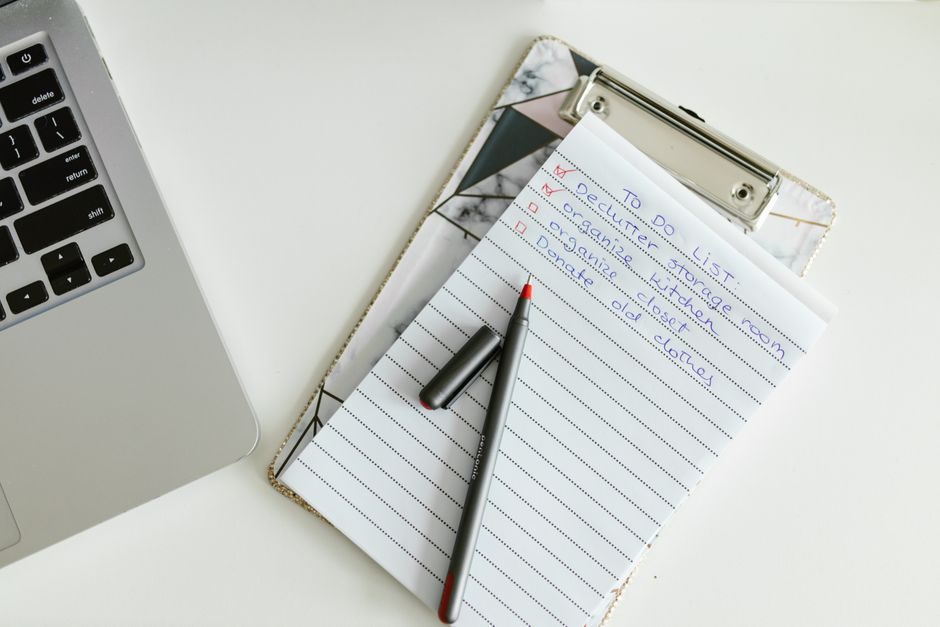
Checklist before going live
Review all event details for accuracy, from date and venue to ticket tiers and refunds. A single typo or incorrect time can deter attendees and create support calls. Ensure the event description aligns with your brand voice.
Test the user journey by simulating a registration: choose tickets, apply a promo code if relevant, and confirm the purchase. Confirm that confirmations, reminders, and any calendar invites are sent correctly.
Prepare post-launch assets: a welcome message for attendees, a social post template, and a quick guide for the venue. This keeps the momentum going after the listing goes live.
- Verify dates and venue
- Test the checkout flow
- Create post-launch templates
Frequently asked questions
Do I need a personal account to submit an event?In most cases you’ll use a business or creator account associated with the brand or organization. Create a profile with clear contact information, a short bio, and a link to your primary fashion site. This helps attendees trust the listing and reach you easily.
Can I edit the event after it’s published?Yes. Most platforms allow updates to dates, venues, pricing, or descriptions. If you change a key detail, send a quick message to registered attendees and post a clarifying note in the event description to avoid confusion.
What are common fees and how are refunds handled?Fees vary by platform and ticket type. Review the terms before publishing. Refund policies should be transparent and aligned with your event’s goals, with clear timelines and a simple process for attendees.
Is it better to keep the event private or public?A public listing helps reach a broader fashion audience, while a private or invite-only option suits exclusive previews or brand events. Align visibility with your marketing goals and use access controls if needed.
Launch and learn
With the main listing prepared, set a clear launch date and give yourself a small window for tweaks after initial feedback. The first few days matter for momentum, so monitor registrations and adjust the description or visuals if responses stall.
Use attendee feedback to refine future events: note which lines drew attention, which images performed well, and where people asked for more clarity. A simple post-event survey can guide your next fashion experience and improve listing copy.
Add Bed Design Ideas & Styles as a preferred source on Google


