
How to add your business location on Instagram clearly and quickly
Learn a clear, fashion-friendly method to add your business location on Instagram, with practical steps and common pitfalls to avoid.

If you run a fashion brand or boutique, listing your location on Instagram helps customers find you and understand your vibe. This guide shows a practical, no-nonsense path to add your business location, so shoppers can find your store, pop-up, or showroom with confidence. You’ll learn the exact steps, what to watch for, and how to keep the info accurate as your business evolves.
Start by preparing a location name that matches how customers search, plus a nearby landmark if relevant. Then you’ll connect that location to your Instagram profile and posts, so in-feed content and stories carry a visible address. Finally, we cover pitfalls and quick checks that keep your listing useful and trustworthy.
By the end, you’ll know how to make your location feel like a storefront in the app—easily discovered, elegantly presented, and ready for customers who care about near-by fashion.
- List your exact location and nearby landmarks for clarity.
- Attach the location to posts and stories with a consistent naming style.
- Polish your profile with a location-friendly bio and organized Highlights.
- Avoid outdated or conflicting locations to preserve trust and searchability.
Basics of location tagging
Identify your location
Start with the exact store name as you want customers to search it. If you have a physical shop, use the official address, then add a nearby landmark that locals recognize. For online-only or pop-up brands, consider a general area like a neighborhood name paired with a city. add your business listing in Dublin
Take a moment to verify spellings and diacritics, since small mistakes can misdirect customers. Consistency across your bio, posts, and highlights makes your location feel intentional rather than accidental. If you’re part of a network, align with the parent brand’s listing to avoid confusion.
Think about how your audience will search and which keywords matter for discoverability. Use terms they’d type when looking for fashion or related events near them. This thoughtful setup reduces friction when someone wants to visit or contact you.
How to attach the location to posts

Attach to new posts
When you publish a photo or reel, tap Add Location and select your business location. If you don’t see it, re-check the spelling and try a nearby landmark you know shoppers recognize. A useful resource on this topic: Dublin News & Updates latest news.
- Choose exact store or neighborhood location
- Attach location to each new post
- Cross-check story stickers for consistency
Include a short, relevant caption that ties the setting to your product—think season, styling tip, or event. This helps your location feel purposeful rather than decorative.
Remember that the location sticker in stories works similarly; pairing it with product tags boosts discoverability and shopper intent.
- Use consistent location naming
- Pair with product tags
- Keep captions concise and on-brand
How to optimize your profile for locations
Profile and Highlights
Your profile bio should reflect your location in a natural way, not as a keyword list. Mention the city or neighborhood if it helps shoppers place you. Include a link to your storefront or booking page if applicable. A useful resource on this topic: get your event listed in Dublin.
- Add city or neighborhood to bio
- Create location-themed Highlights
- Verify contact options and links
Create a Highlights reel for the store, events, or bestsellers, each with a clear title and the same location tag. This helps visitors quickly associate content with your physical space.
Keep your contact options updated so people can visit, call, or message you directly from the profile.
- Clear location mention in bio
- Location-tagged Highlights
- Up-to-date contact options
| Method | Pros | Cons |
|---|---|---|
| Profile links | Easy to update, boosts clicks | Requires ongoing maintenance and clarity |
| Story stickers | High visibility in stories | Only temporary; may be missed by feed skimmers |
| Product tagging with location | Connects item to locale | More steps in posting |
Don’t overload posts with multiple locations; pick the main one so followers aren’t confused about where you operate.
Common mistakes to avoid
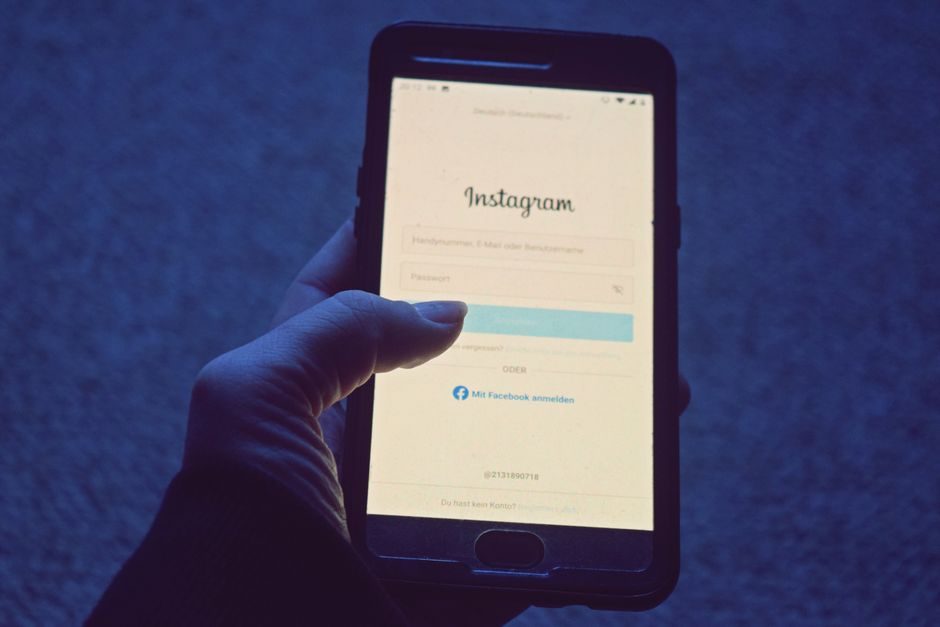
Watch for misalignment
Avoid using an old or wrong address; customers may travel and find nothing, which harms trust. If you’re moving, update every place that mentions your location promptly. A useful resource on this topic: Dublin classified ads.
Don’t overload posts with multiple locations; pick the main one so followers aren’t confused about where you operate. A scattered location strategy reduces clarity for shoppers.
Beware fake or vague locations that don’t match your imagery or products, as this erodes credibility and makes search harder.
- Avoid outdated addresses
- Limit number of locations per post
- Maintain consistency across posts
More ways to show your location on Instagram
Nearby places spotlight
Consistently tag a nearby landmark to anchor your brand in the local scene. This helps followers gauge proximity and plan visits, especially when you host in-store events or pop-ups. Use a familiar cityscape to give context without crowding your post. announce a death in Dublin
- Tag too far away locations; choose proximity that makes sense
- Overuse location tags on every post; mix with occasional non-location posts
- Ignore privacy settings and tag locations followers can’t access
When possible, add a location tag to both posts and stories to reinforce the physical presence. Over time, this builds a thread showing where your brand lives, beyond a single product shot. The goal is to create consistent cues that locals recognize.
A practical example is tagging a well-known cafe near your shop when you showcase a weekend look or a collaboration capsule. This creates narrative depth and helps new customers find your storefront through visual cues.
- Tag nearby landmarks
- Use story location consistently
- Create narrative cues for locals
Geotags for events
Events, workshops, and trunk shows benefit from precise geotags to guide attendees. A clear location helps map directions and increases attendance without extra outreach. Plan the post around the event doorway, venue lobby, or main entrance for impact.
If the event moves venues, update the location tag quickly and pin a note in the caption. Timeliness matters when followers rely on location to decide whether to attend. A quick correction keeps trust intact.
Consider adding a second location in stories, such as the event venue and a nearby parking area. This gives readers multiple reference points and reduces confusion.
- Tag the event venue
- Update venue changes promptly
- Add multiple reference points
Expanded options for shops and brands
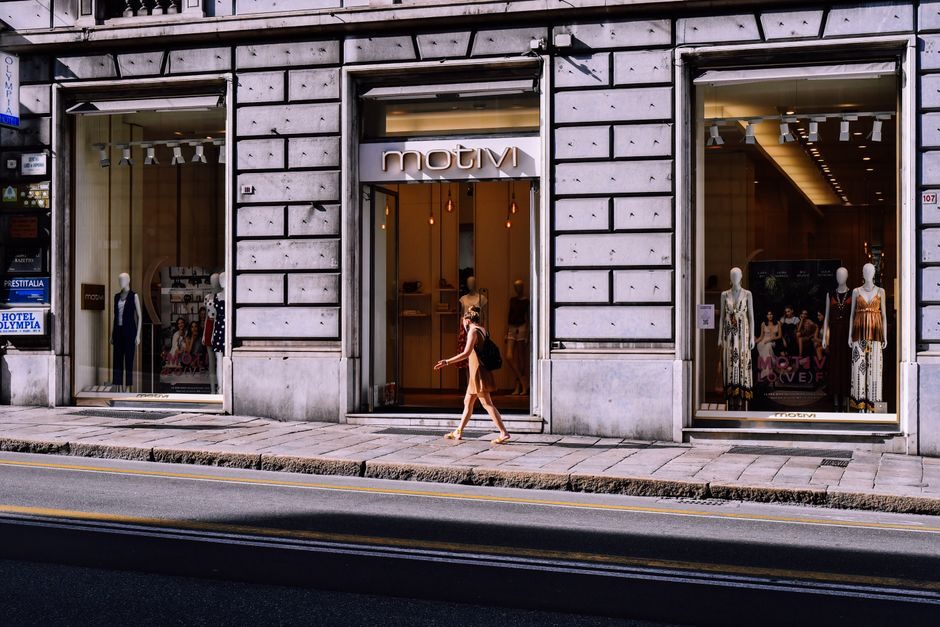
Shop profile location details
Your shop profile can carry a location badge that appears alongside your name. This helps customers recognize a physical address at a glance in search results and on your profile grid. Keep the address current to avoid misleading visitors.
Use the profile’s primary location as a hub for related posts, guiding followers toward in-person visits or stockists. A clear, consistent location reduces confusion and supports omnichannel retail.
A practical example is listing the main storefront while highlighting seasonal pop-ups in nearby neighborhoods. This balances stability with flexibility for temporary locations.
A brand can expand reach by tagging multiple locations in stories or highlight reels. This approach signals where customers can find products beyond the flagship store. It also invites both locals and travelers to engage with the brand in different settings.
Keep a consistent naming convention for locations to improve search visibility. Use the same street address format and city spelling across posts.
When done thoughtfully, multiple locations map a broader brand footprint without cluttering your feed.
- Tag multiple locations in stories
- Maintain naming consistency
- Expand brand footprint thoughtfully
Pitfalls to monitor after posting
Privacy and accuracy checks
Recheck the posted location to ensure it aligns with the content. Mismatches confuse followers and can undermine trust. Always verify the venue, city, and country before sharing.
Be mindful of privacy: if a private event or closed-door store visit is featured, avoid disclosing exact addresses. Choose nearby public landmarks instead.
Regularly audit older posts where the location tag may no longer be accurate, especially after relocations or weekend venues.
- Verify venue accuracy
- Respect privacy boundaries
- Audit past posts for accuracy
Overloading the feed
Too many location tags in a short span can feel spammy and dilute impact. Space location tags with product-focused posts and lifestyle imagery that anchors the brand story.
Balance is key: mix in posts without location tags to preserve organic discovery and avoid creating a template that followers skip.
If you notice engagement dropping after location-heavy days, scale back and reassess which posts truly benefit from a tag.
- Limit frequent tagging
- Mix tagged and untagged posts
- Adjust strategy based on engagement
Practical tips to stay discoverable
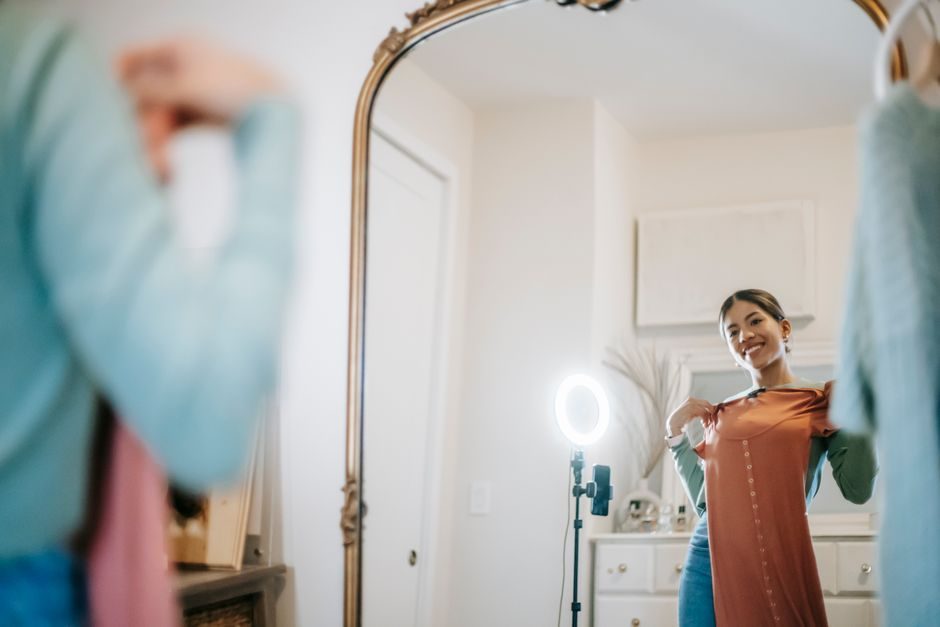
Consistency in location naming
Use consistent city and neighborhood spellings across posts to improve local searchability. This helps followers find you when they search for brands in specific areas.
Adopt a standard format for addresses, such as “City, Street” or “Neighborhood, City,” and stick with it across captions and comments. This reduces confusion and builds recognition.
A concrete example is tagging “Dublin, Main Street” in relevant posts and variants, keeping the format steady regardless of the product or season.
- Use standard city formats
- Keep neighborhood names consistent
- Apply the same format across all posts
Linking listings with inventory
If you run a stockist network or pop-ups, connect location tags to inventory pages or location pages on your site. This makes it easier for followers to navigate from Instagram to shopping options.
Use concise captions that point to your store locator or event page, clarifying where to buy or try items in person. A little direction reduces hesitation.
In practice, a post about a new collection can include a location tag and a line like “Find it at our Dublin pop-up this weekend,” guiding closer steps.
- Connect tags to inventory pages
- Clarify where to buy in captions
- Promote in-person shopping opportunities
Frequently asked questions
Which locations should I tag on Instagram?Tag locations that are directly relevant to the post and your brand. Proximity matters for local followers and travelers seeking your shop or events. Avoid tagging distant places that don’t illuminate the content or opportunity.
How often should I update location details?Keep core locations current and refresh seasonal spots as needed. If a venue changes, correct the tag quickly to prevent confusion among followers and customers. Review past posts quarterly to catch outdated locations and replace them with accurate references where possible.
Can I use multiple locations in a single post?Yes, include several nearby locations when you have multiple touchpoints in a single campaign. This helps followers from different neighborhoods discover your brand. Use this sparingly to avoid clutter.
What about privacy and safety with location tagging?Share only what is appropriate for public viewing. Do not reveal exact home addresses or private interiors. Use public landmarks or city names to indicate where a post originates.
Final thoughts for practical use
For fashion brands, location tagging isn’t just a utility—it's a way to weave the store map into a reader’s daily scroll. Use nearby landmarks to frame your stories and create a sense of place that supports both in-store and online shopping. The right tag can guide a casual browser toward a welcome visit.
Next, build a small, repeatable workflow: decide on a landmark, tag it consistently, then verify the location after posting. This reduces mistakes and strengthens local discovery over time.
Add Bed Design Ideas & Styles as a preferred source on Google


